 Perch
Watch any part of your screen
Draw a box around a number, a status, a log line. Say what you’re waiting for in plain English. Perch reads it on your Mac and tells you the moment it happens, even when the window is completely buried.
For everything that won’t tell you.
Free with one watch. Perch Pro is $9.99 once, not a subscription, and it never renews.
The part nothing else does
Even when the window is buried
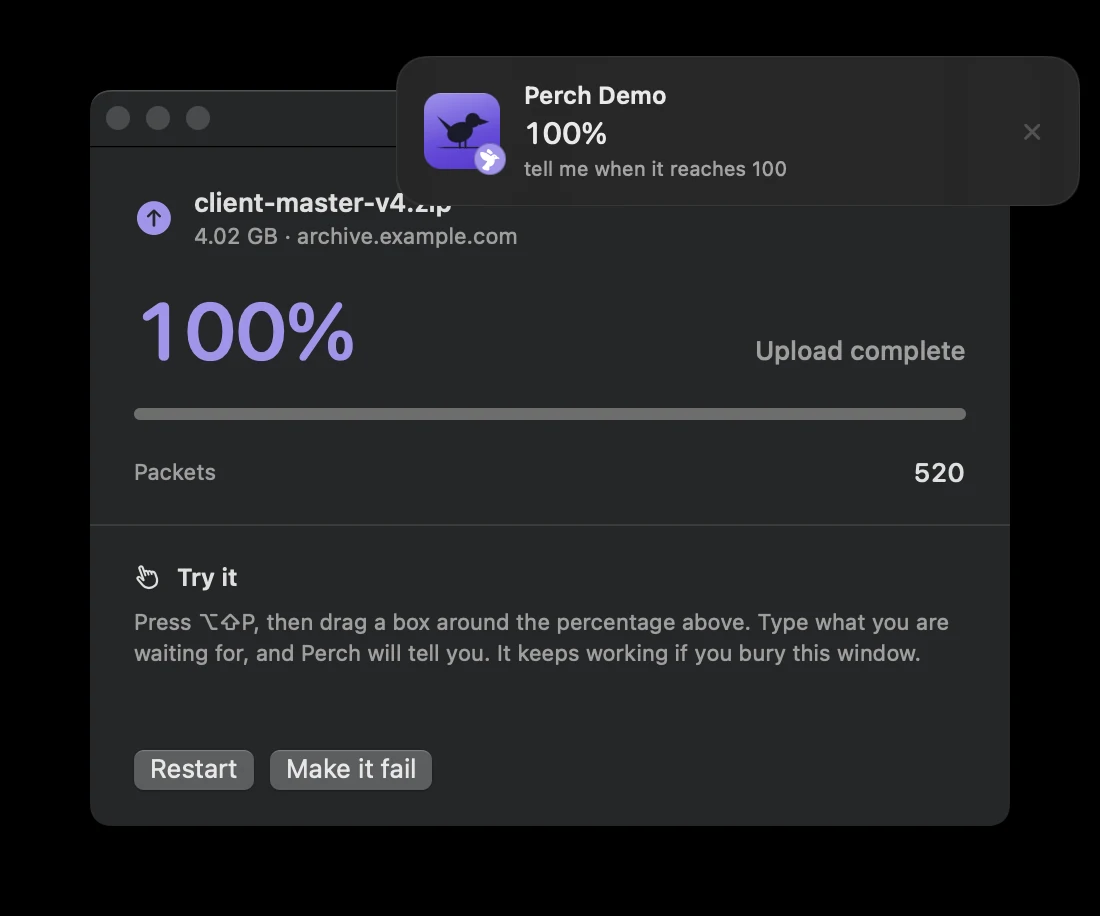
Perch reads the region you picked whether or not you can see it. Cover the window completely, switch spaces, go do something else. It keeps reading and comes to find you.
That is the whole point. Most things that keep you waiting are perfectly capable of telling you, and already do. Perch is for the ones that never will.
No rules to configure
Say it in plain English
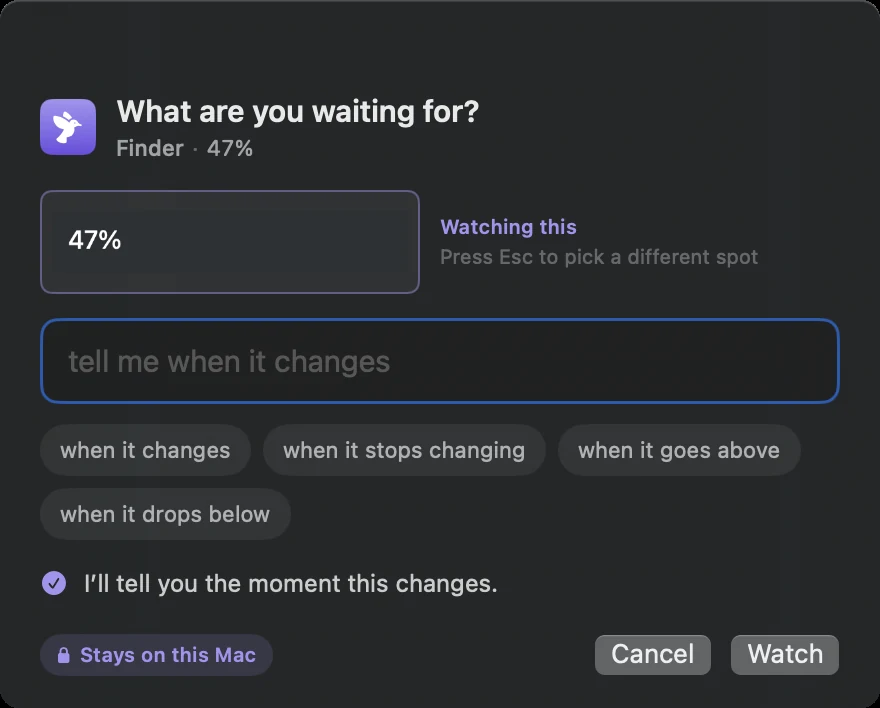
Type tell me when it changes, or when the upload reaches 100, or when it stops changing. Perch works out what you meant, on your Mac, and shows you its reading before you commit.
Where it earns its place
For everything that won't tell you
If an app already sends a notification, use that. Perch is for the ones that never will, and most of what keeps you waiting never will.
A price you want to drop
A shopping page, a fare, a listing. It will happily show you the number and will never once tell you it moved.
Tickets, seats and slots
A restock, a concert release, a flight seat, an appointment slot on a booking site that has no intention of emailing you.
A percentage and nothing else
An upload, an export, a render, a backup, a build. It counts up to 100 in silence and leaves you checking on it.
A screen your Mac can’t reach
A job inside a remote desktop or a VM, a trading terminal, one pane of a terminal. That machine cannot notify your Mac. Nothing else solves this.
Every read, kept
It shows its working
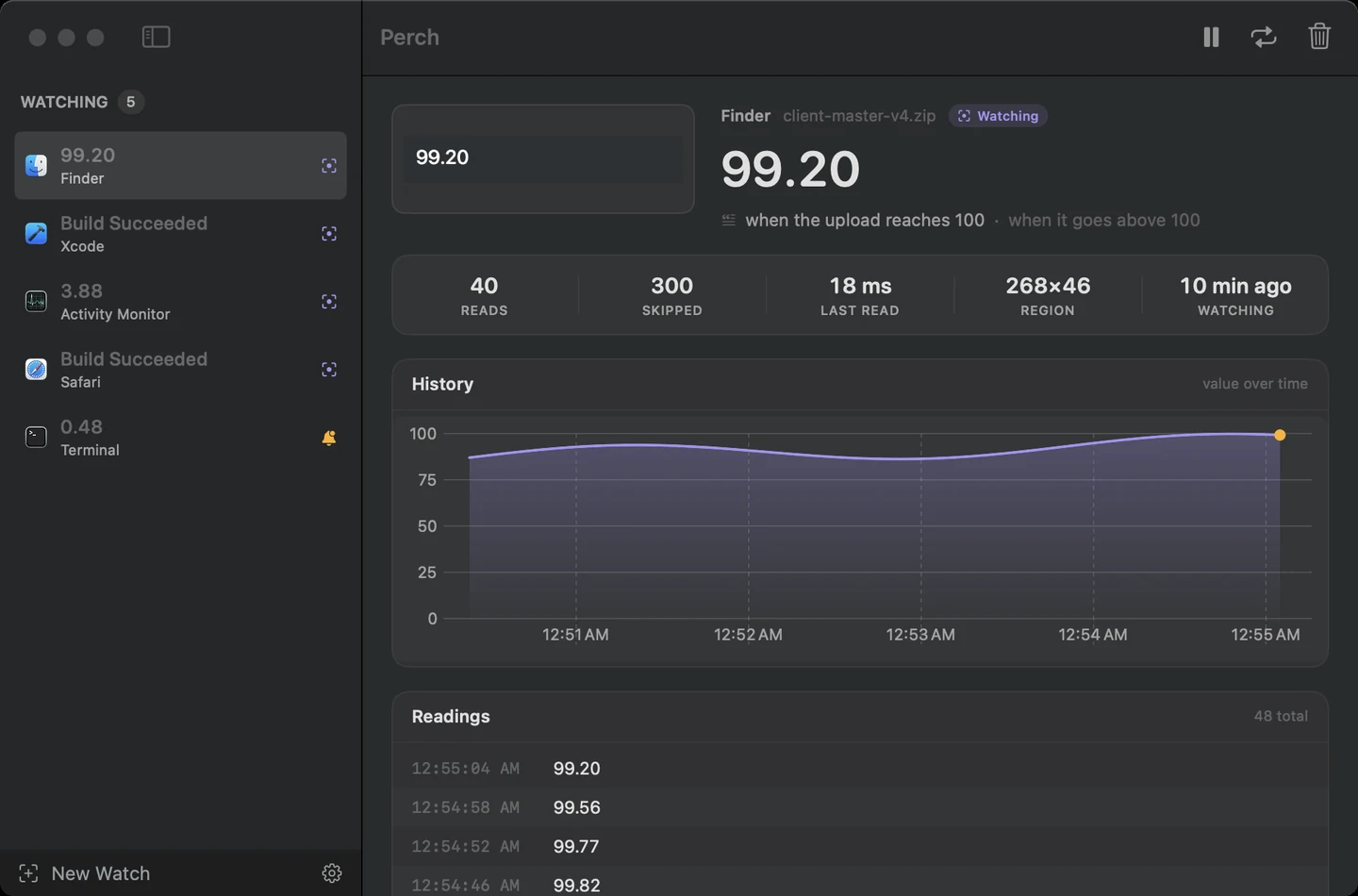
Every reading, when it changed, how long each read took, and a chart of the value over time. When an alert fires you can see exactly why.
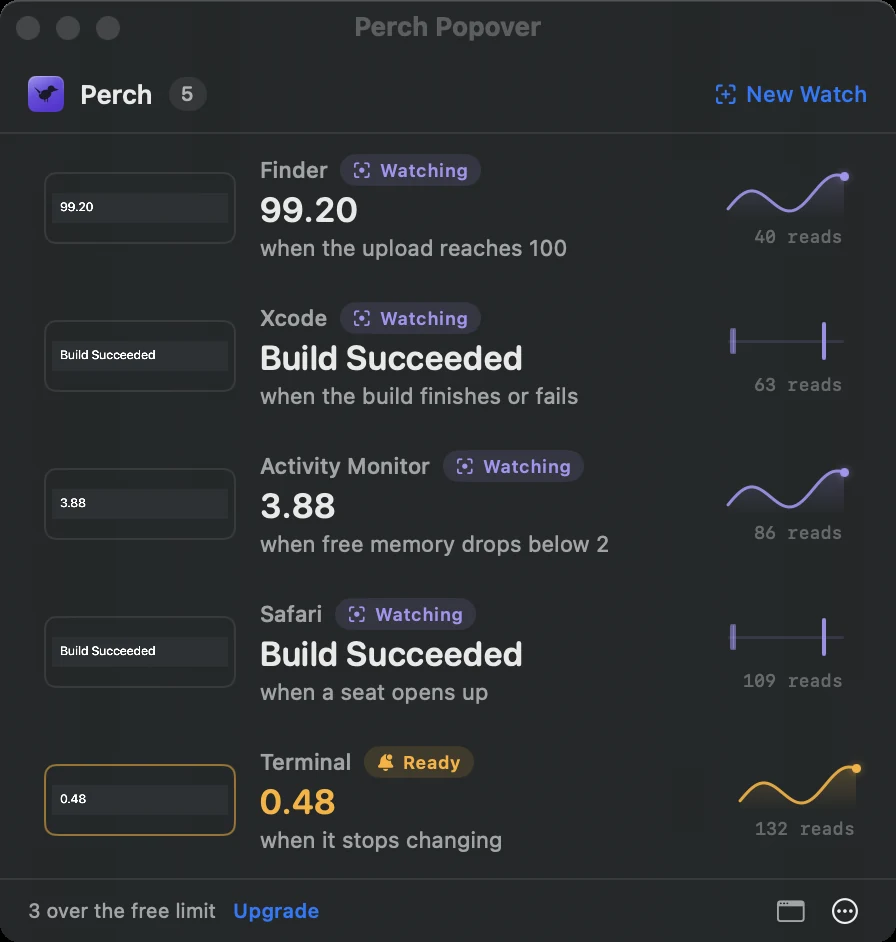
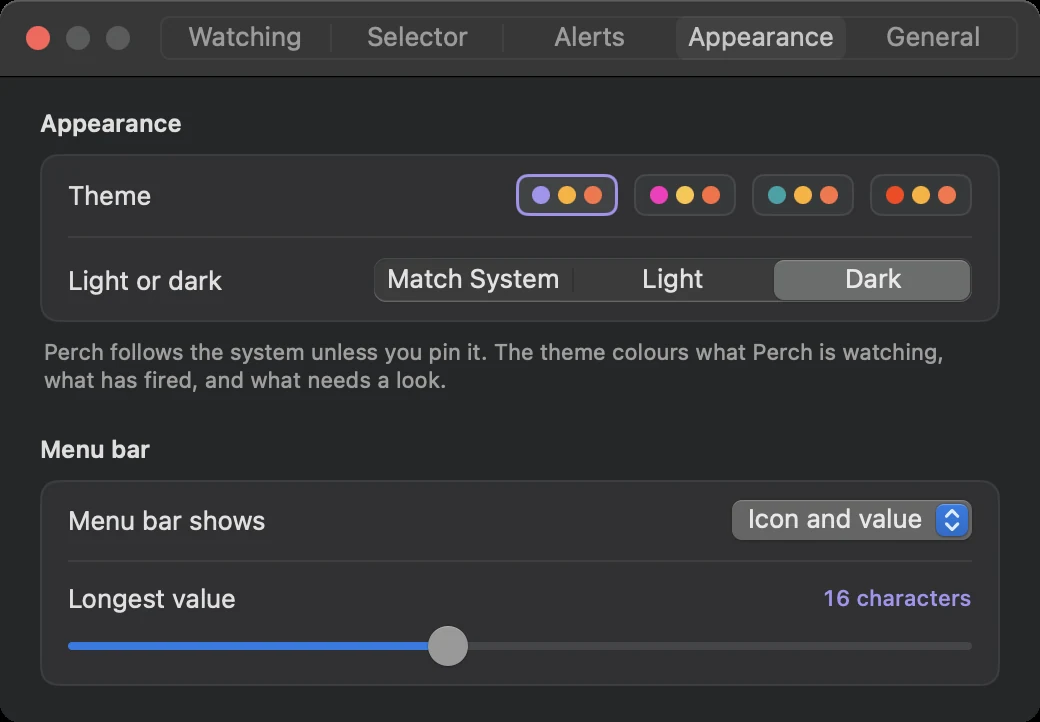
Scroll sideways for two more, or use the arrow keys.
Privacy
Nothing you watch leaves your Mac
Text is recognised on your Mac using Apple's on-device Vision framework. There is no server to send it to, because there isn't a server.
- ✓One permission. Screen Recording, and nothing else. Never Accessibility, never your files.
- ✓No account. No sign-in, no email, nothing to create.
- ✓No analytics. No telemetry, no crash reporting, no advertising identifiers.
- ✓No network at all unless you buy Pro, which is validated through Apple and RevenueCat.
Read the full privacy policy, including exactly what is written to disk, and how to delete it.
Get Perch
Stop going back to look.
Free with one watch, for as long as you like. Perch Pro lifts the limit and adds history and charts. $9.99 once, not a subscription.
macOS 14 Sonoma or later · Apple silicon and Intel
Support
Something not working?
Email kansalaman99@gmail.com and I'll answer.
If a watch is misbehaving, open Settings → General → Reveal Log. That log shows exactly what Perch read and when. Attaching it turns a vague report into a fixable one.